All owner guides
Power guide
Check battery charge
Three ways to see how much charge you have: battery lights, controller screen and the Awake Link app.
- Applies to
- Flex batteries with the five-light LED panel, the wireless hand controller and the Awake Link app shown.
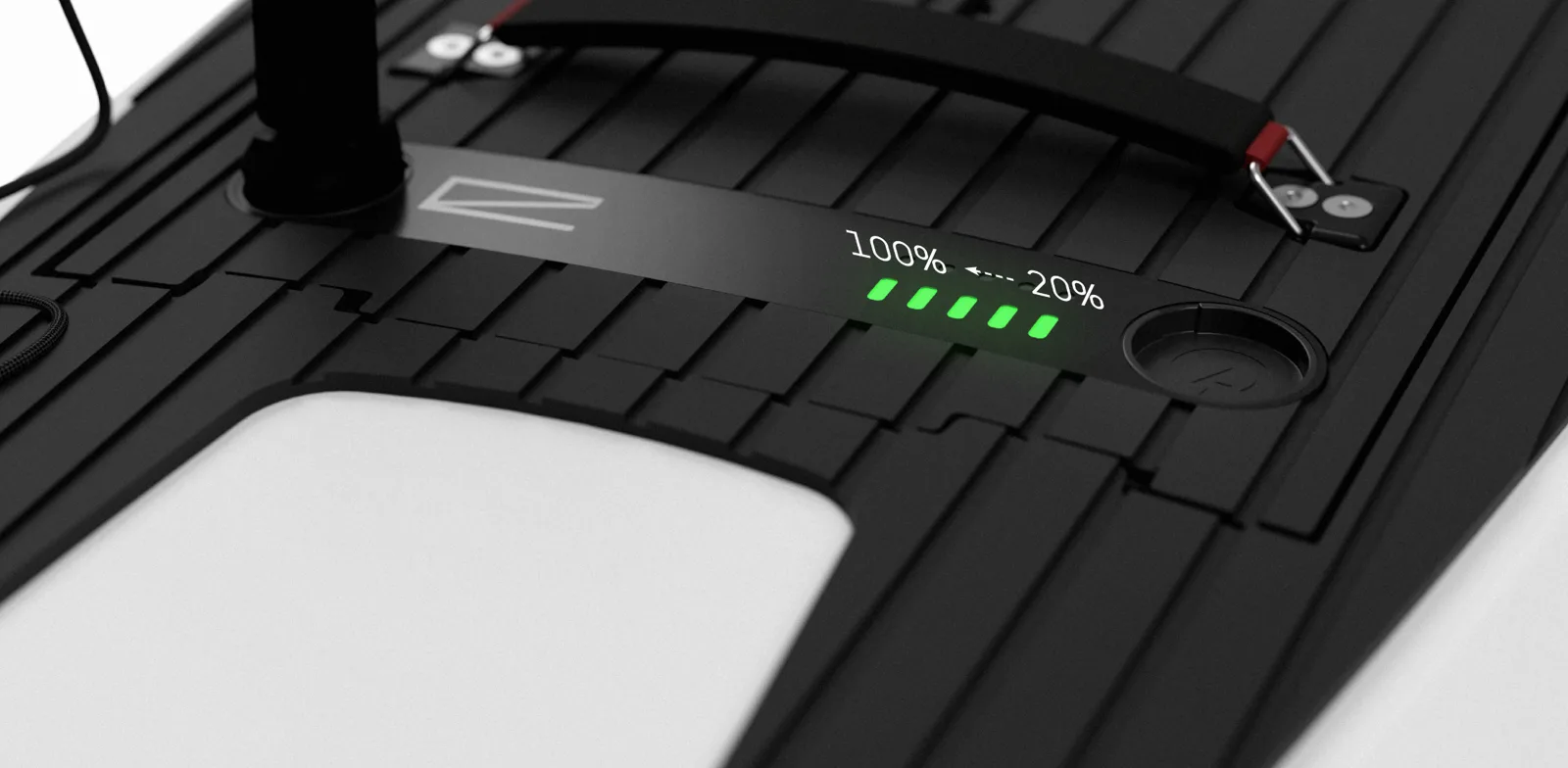
Read the battery lights
Connect the Power Key Leash to wake the battery and show its charge.
- Pulsing green lights mean the battery is charging.
- Each steady green light is about 20%; three lights is about 60%.
- Five steady green lights mean a full battery.
On the controller
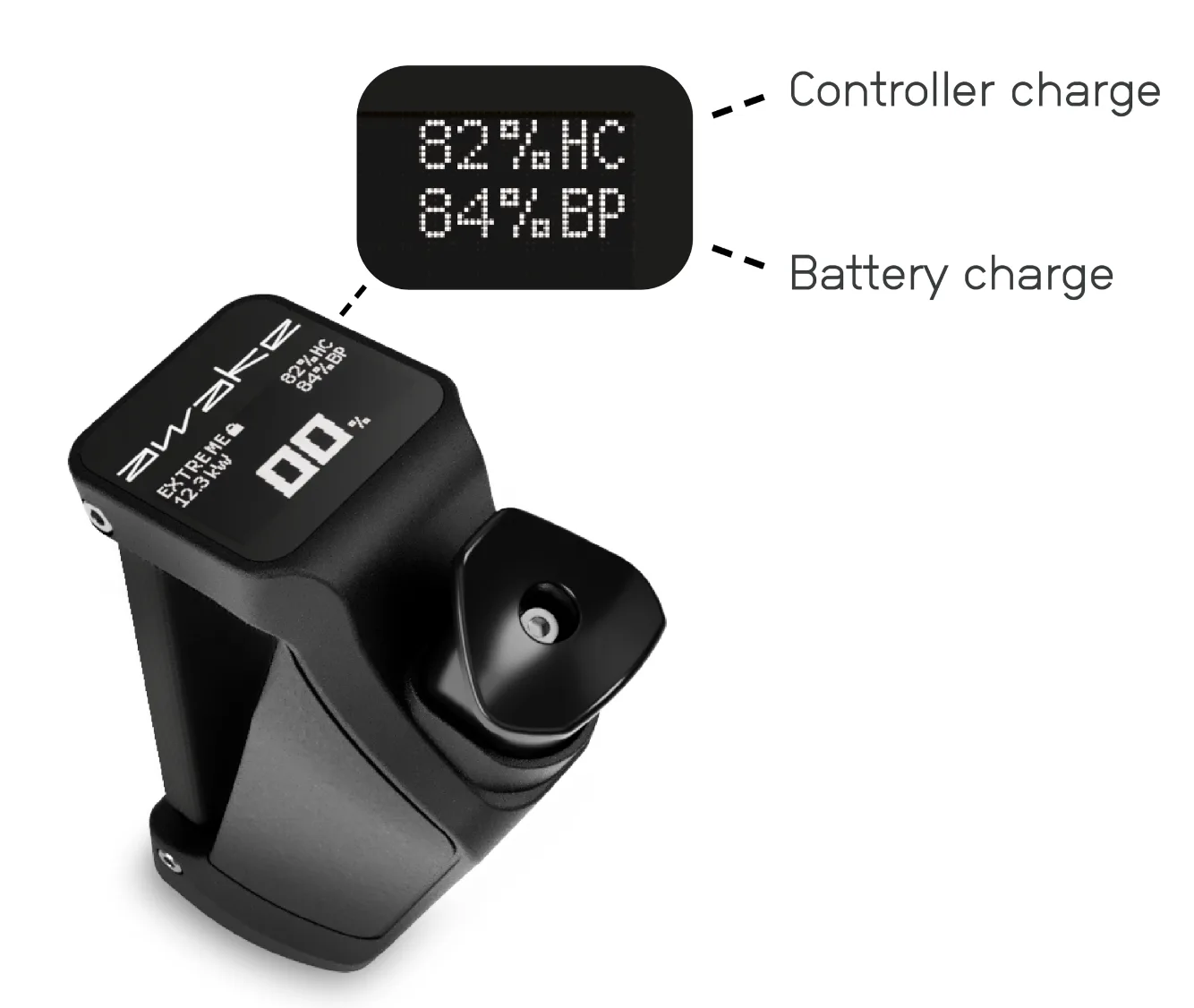
Press the throttle to wake the controller. Controller and battery charge appear in the top-right corner of the screen.
In the Awake Link app
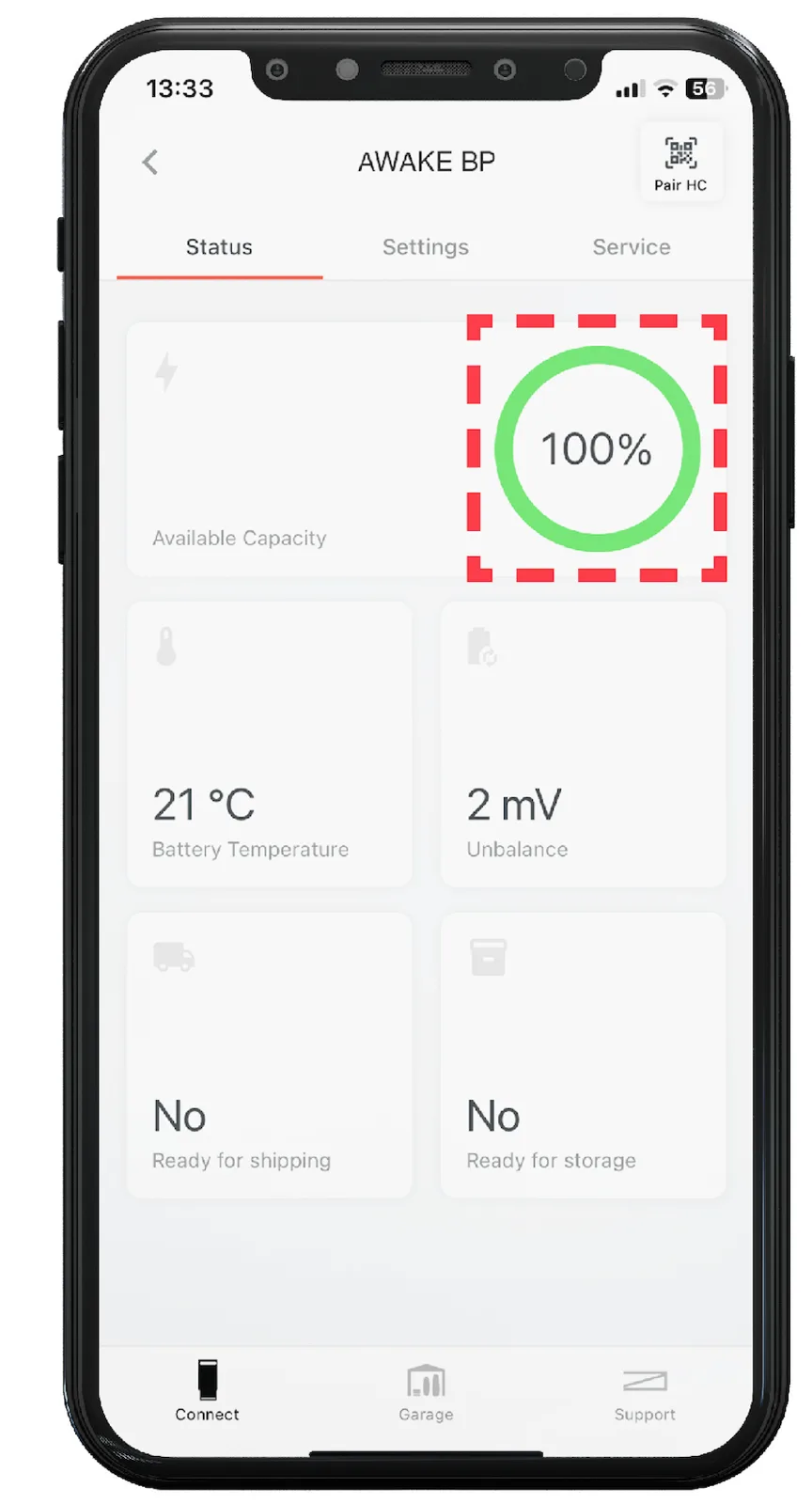
Open the Status tab to see the connected battery's charge.